

 Solution Designer
 Describe an app. Get a working one.
Attendance trackers, consent slips, quizzes, booking forms — with a login and its own web address.
- Forms & trackers
- Chatbots
- Mini websites
Apps people asked for in one sentence.
Each of these is a working app with its own address.
-
 Attendance trackerTick who is in, see who is missing.
 -
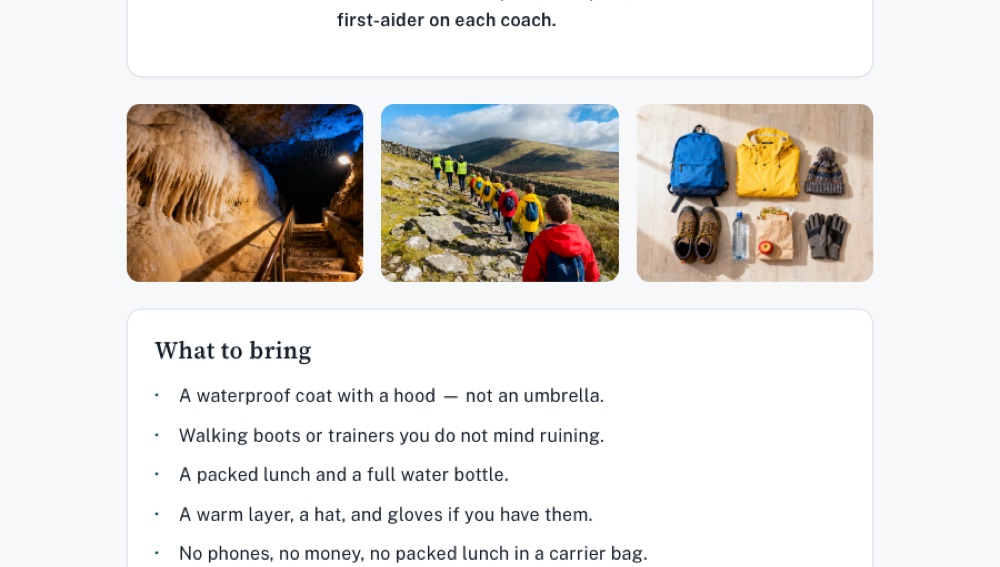 Consent slipParents sign on their phone.
 -
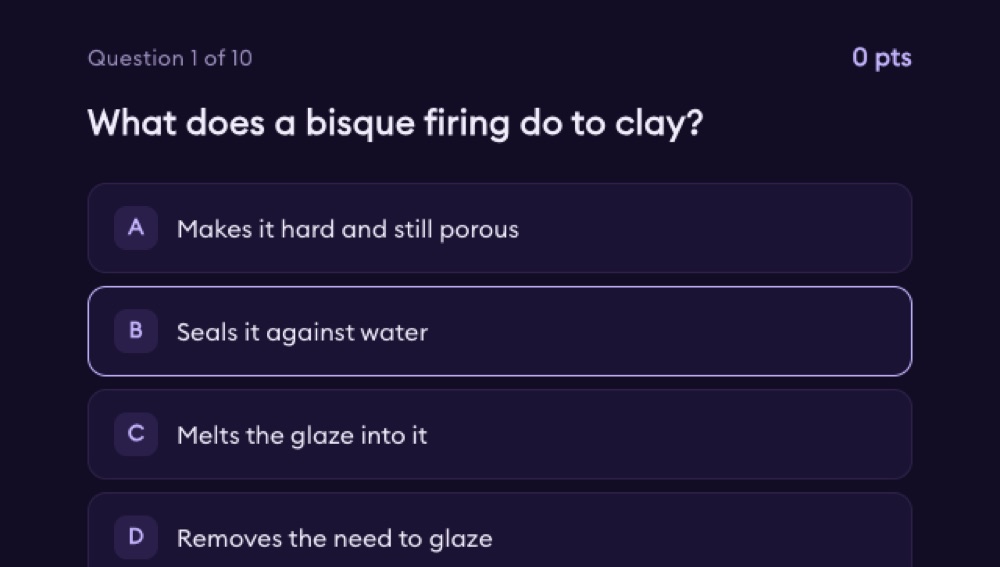 Quick quizTen questions, instant marks.
 -
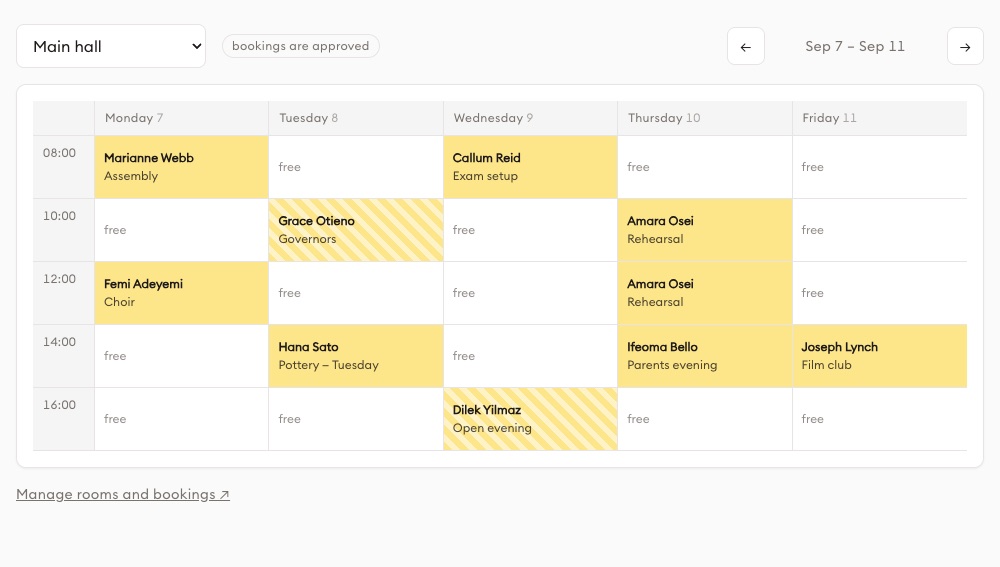 Room bookingBook the lab, no double bookings.
 -
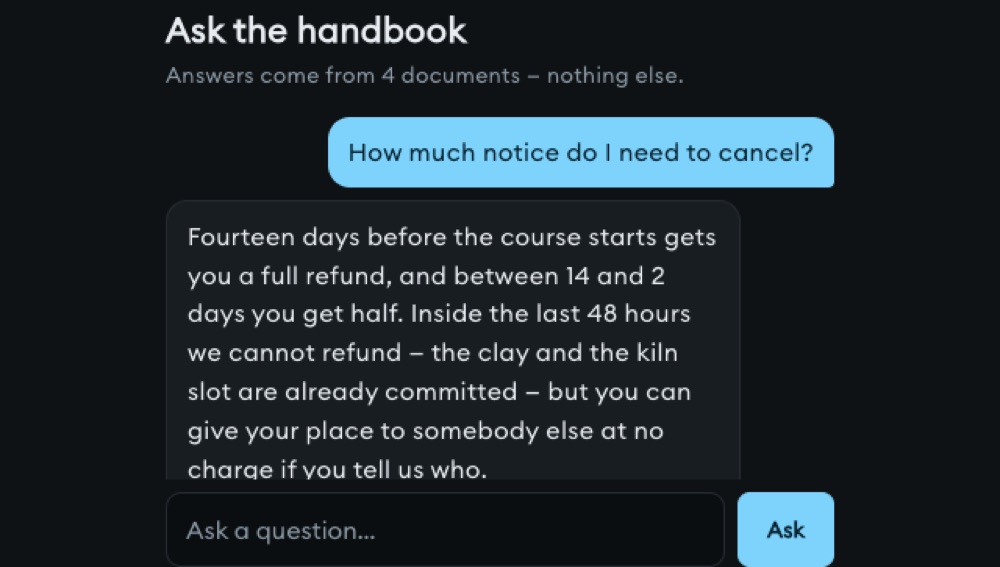 Handbook chatbotAnswers questions from the staff handbook.
 -
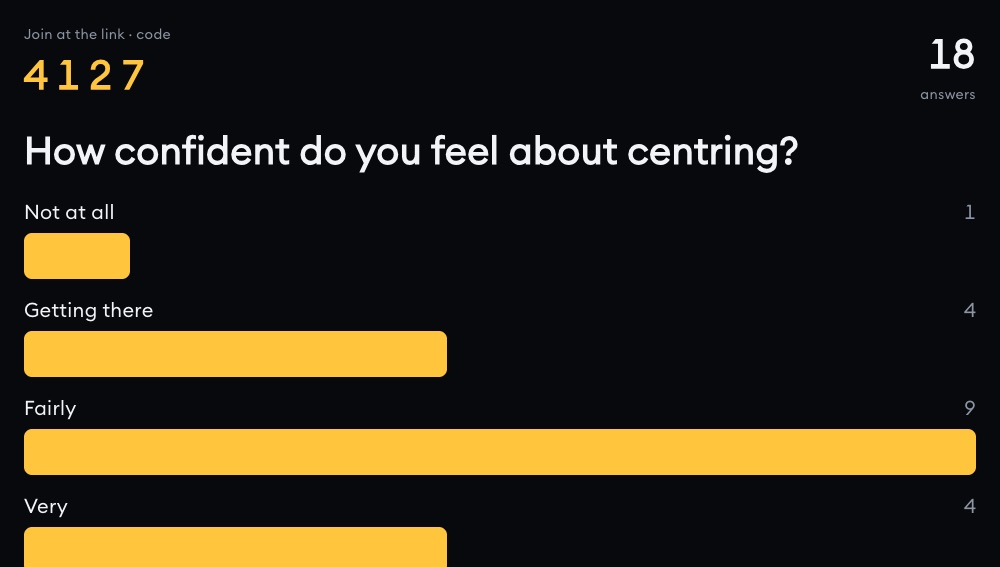 Live pollClass votes, results on the screen.
 -
 Enrolment formCollect details, one place.
 -
 Student portfolioEach student shows their best work.
 -
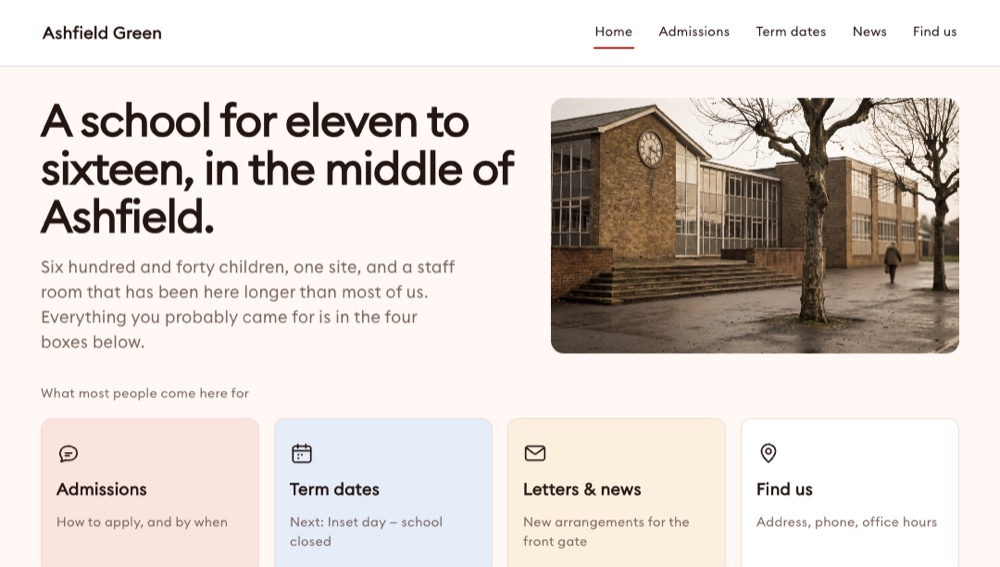 School websiteAdmissions, term dates, news.
 -
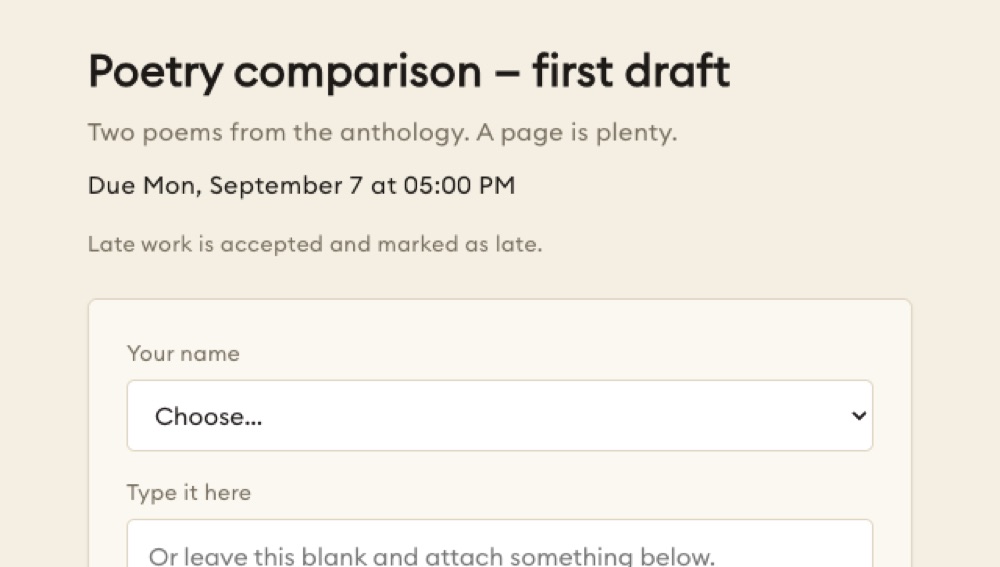 Homework boxHand in, get feedback.
 -
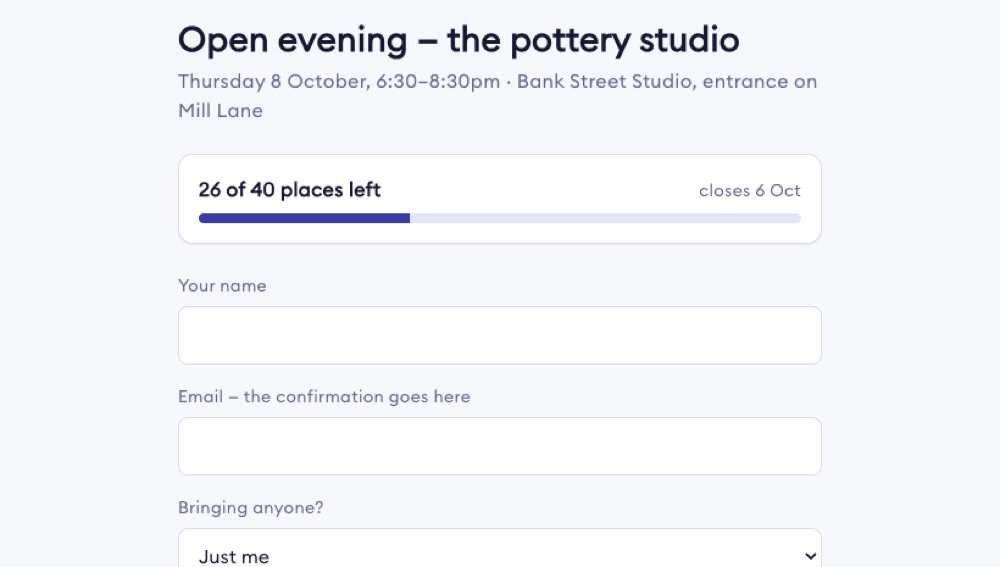 Event registrationSign up, get a ticket.
 -
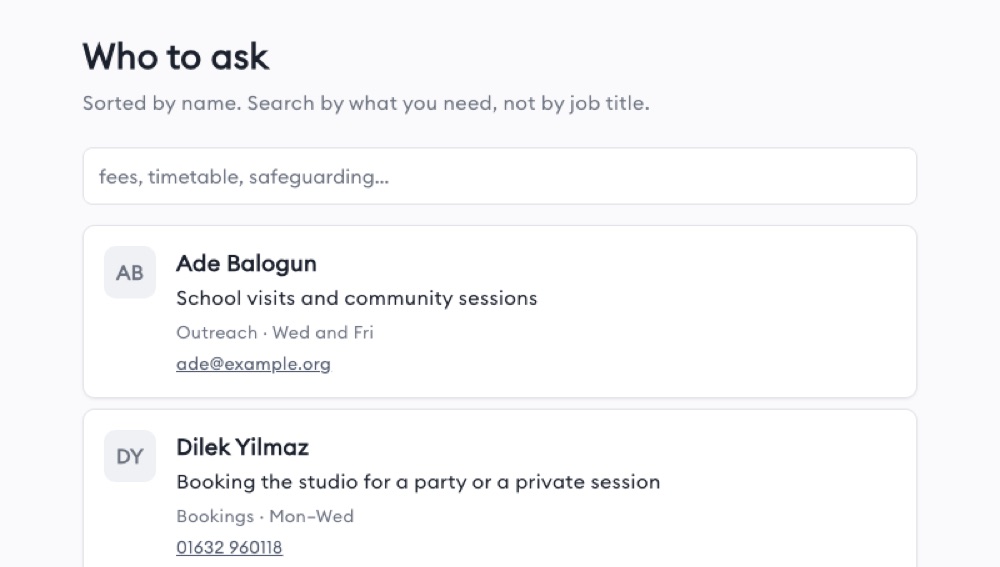 Staff directoryWho teaches what, where.
A real app, not a form builder.
It has a login
Staff, students and parents each see their own side.
Its own web address
Send a link. It works on phones.
Sends messages
Email, WhatsApp, SMS, when something happens.
Reads your data
Class lists and records come from your Bases, not a copy.
Change it by asking
Say what should be different. It updates the app.
Solution Designer is a chat you describe a problem to. A planning agent asks up to four questions, writes a plan you approve, then hands it to a second agent that writes the React and TypeScript for one or more working apps, which you watch appear in a live preview beside the chat. When you publish, each app goes live at its own web address with real sign-in, a shared database, and the ability to send email, call outside services, run on a timetable or receive incoming webhooks.
 New solution
 - 25Built-in services an app can call
- 10AI models you can choose from
- 3Kinds of app you can build
- 10Database column types
- 100Shared files one solution holds
- 5Languages the designer itself runs in
All of it, not the highlights.
One solution, several apps
A solution is the container. This is what goes in it, and what everything inside it shares.
- Many apps, one solutionA solution is not a single app. It can hold several, each a separate app pointing at the same solution.
- Three kinds of appA screen-based app people open, a webhook receiver that waits for something outside to call it, or a scheduled job that runs on a clock.
- One database underneathEvery app in a solution draws on the same tables. A form in one app and a dashboard in another are reading the same rows, not copies.
- A look they all inheritThe solution carries a design direction — palette with named colour roles, typography, style, layout and corner radius. Any single app can be given its own.
- Three ways to startDescribe it in the chat, pick a template, or start blank.
- Ten models, rememberedYou choose from ten AI models across five providers, and the choice is saved with the solution rather than picked again each time you open it.
- Archived still runsArchiving is not deleting. An archived solution keeps working: its schedules still fire and its published apps still serve. There is a recycle bin too, and things come back out of it.
- A reference shelf attached to itAn admin builds named banks of PDFs and pasted text and watches each file ingest. A solution is attached to exactly one, and the agent cites the file name and page it drew from.
It asks before it builds
Nothing is created until you have answered a few questions and approved a written plan.
- Up to four questionsOne to four questions, one at a time with a 1-of-N counter, each with three concrete choices and a row you can type your own answer into. Back, Skip, Next, one Submit.
- A plan you approveThe recommended plan arrives as its own card titled Proposed Solution, with a Read more toggle and a Continue button. Nothing exists until you press it.
- Two agents, not oneA planning agent writes a numbered build plan for each app. A second agent takes those plans and writes the actual React and TypeScript.
- Twenty-eight tools, and more it can loadThe build agent creates, reads, edits, deletes and searches files and works the database and the design — and can load extra skills mid-build, such as image generation or stock-photo search.
- Everything at onceAll the apps in a solution build in parallel; the steps inside one app run in order. Run all of them, or press Run on just the ones you want.
- Pause, retry, resumeA build can be paused or stopped for one app or for the whole solution, and a single named step retried. Resume works for the whole solution only, not one app.
- A cap on each stepEach build step stops after 40 tool actions when you are chatting directly, and 50 when it is running as part of a plan.
- Several languages at onceGive an app a list of languages and the build agent writes every piece of interface text as a translatable string and puts a language switcher into the app.
What a finished app can do on its own
A generated app is not a static page. This is what it can reach once it is live.
- Twenty-five built-in servicesCalled through the platform, so no keys sit in the app's code: text, image and video generation, speech-to-text, PDF reading, web search, crawling and link previews.
- Email and messagesAn app can send email through a connected mail account, and send messages on WhatsApp using templates that have been approved.
- Any outside API, safelyApps call any http or https API through a server-side proxy: it resolves the host, checks the IP, refuses private addresses and follows no redirects. Keys stay encrypted on the server.
- Live shared roomsApps can open rooms with presence, so several people see the same thing change as it changes.
- A writing assignment, start to finishAn app can create a writing assignment, get the share link students use, then pull each submission's analytics: words per minute, pauses, deletions, paste ratio and flags.
- A catalogue of learning objectsSearch the STEMWerkz catalogue by keyword, standard, grade band or subject, mint a short-lived token to play an object in a frame, and pull its quiz questions.
- Speech scored word by wordAn app can score spoken audio against a reference text or as free speech, returning accuracy, fluency, completeness and prosody down to the word and the phoneme.
- Uploads and connected accountsPeople using an app can upload files up to 10 MB each. Six outside accounts are connected once and shared across the workspace, so nobody signs in twice.
Who gets in, and what they see
Sign-in is part of the platform. The agent switches it on rather than writing it.
- A switch, not a login screenThe agent never writes a sign-in page or a users table. It turns the feature on, and the platform provides both.
- Three access settingsAnyone can sign in, only the email addresses you have invited, or only members of your organisation.
- How people sign inWith an email and password, or a Google account. Signing up needs no email verification — the person is logged straight in.
- Forgotten passwordsThe form always advances to the code step, whether or not the address exists, so nobody can use it to work out which addresses are registered.
- A verification code when neededIf the account requires a second step, the published app asks for the code and completes the challenge. It is not password-and-Google only.
- A users table your app can readEveryone who signs in lands in a managed _users table holding their email, name and sign-in id, which the app reads like any other table.
- Organisation-only fails closedIf the membership lookup fails for any reason, entry is denied rather than granted. The denied page can name the organisation the person needs to belong to.
- See who signed upThe owner gets a list of everyone registered against their app, and can remove any of them.
The data underneath
One database per solution, and a permission system that reaches down to the individual row.
- Ten column typesThe agent creates the tables and columns from your description. Ten types: text, short text, whole numbers, big numbers, decimals, true/false, date, two kinds of timestamp, and JSON.
- A key per appEach app is issued its own key to named tables — read, or read and write. It sees nothing it was not given.
- Four switches per tableOn top of the key, each table carries four separate switches: read, add, change, delete.
- Rules that go row by rowFour kinds: everyone, only the row's owner, only the same organisation, or only listed roles. A rule can be limited to certain operations — owner-only for update and delete, say.
- Rules need sign-inOwner, organisation and role rules cannot be saved unless sign-in is on, and sign-in cannot be turned off while one of them still exists.
- Counts from the serverReads come with filters, sorting and paging, and the app can ask for counts, totals, averages, highs and lows grouped by a column.
- Shared between solutionsAn owner can make a solution's database discoverable across the organisation, members browse a directory of them, and a published app is issued keys to every one it has been granted.
- A window on the rowsInside the solution you get a read-only view of the tables, columns and rows arriving, with a link through to Bases, where rows are edited, bulk-loaded, exported to CSV and restored.
Going live, and what it costs
What publishing actually does, what the address looks like, and what is charged.
- Its own web addressEach published app gets an address like https://your-name.apps.learningflow.ai. You choose the name: up to 40 characters, checked for availability, with reserved words blocked.
- A test copy firstPublish to beta-yourname, try it on real people, then promote it to the live address when you are happy.
- Static files, no server per appThe bundle is compiled in your own browser and uploaded as plain static files served from storage, so there is no server running per app.
- Inside a site you already runAn app can be embedded in your existing website, using a token that carries the signed-in person across so they are not asked to sign in a second time.
- Unpublishing is immediateThe app goes offline at once and its files are deleted straight away. The deployment record is kept 30 days as history, then purged.
- Three ways to payEach app is set to one of three payers: you, the person using the app, or your organisation's shared pool. An organisation-paid solution cannot quietly fall back to the owner.
- Only AI actions are chargedEleven services cost credits: text, image and video generation, speech-to-text, PDF reading, email, messages, web search, crawling and speech scoring. Database use is not charged.
- At zero, the app stays upThe AI call is refused before it runs, with a clear out-of-credits answer, and the app's pages and data keep working. Nothing here takes a published app offline for non-payment.
Changing it after it exists
Four different ways to say what is wrong, and a way back if you preferred it before.
- Keep chattingThe build agent reads, searches and patches the existing files rather than starting over, so fixing one screen does not regenerate the app.
- Click the text and retype itIn the live preview you can click a piece of text and type over it, or click an element and describe in words the change you want.
- Click through to the codeClick an element and the editor jumps to the file and the line that renders it, with the matching text highlighted for six seconds.
- Draw what you meanThe chat opens a sketch pad — pen, straight line, rectangle, circle, arrow, text, eraser, undo. The drawing attaches as an image the agent reads, and you can reopen and edit it.
- Edit the code yourselfYou can hand-edit the files in the browser, and your edits save back to the app after a short pause.
- Every build is a snapshotEach build saves a numbered snapshot of all the files, with a summary of what changed in it, and you can go back to any one of them.
- See it as someone elseSwitch the preview to another person's account and it renders exactly as they would see it — including the access-denied screen if their email is not on the invite list.
- Bring code in, let it outImport a zip or clone an app; the import is saved as a labelled restore point. An app can be marked so others may clone it, with a separate switch for whether its data goes too.
The parts that are bigger than they look.
Permissions that go down to the row
Each app holds its own key to named tables, each table has four switches — read, add, change, delete — and on top of those, rules decide which rows a person sees: everyone, only the row's owner, only the same organisation, or only listed roles, and a rule can be narrowed to update and delete alone. Changing a rule reaches an already-published app without republishing it, for the live release of an app set to anyone or to invited emails. Every change to a key is recorded, and the owner can suspend or revoke either of an app's keys by hand, which stops that one app and nothing else.
Apps that run when nobody is looking
Two of the three app kinds have no screen at all. A webhook app gets an incoming URL, an optional shared secret, a test button and a log of past calls; a scheduled app runs on a cron timetable with a test run, a preview of its next runs, and run logs. Both run in an isolated context with an explicit list of allowed globals and are stopped after 30 seconds, and every one of them across the whole organisation appears in a single list showing its last run, its next run and an on/off switch.
 Schedulers & Webhooks
 A whole solution, handed to someone else
A solution can be exported as a template and imported back as a new solution. The template carries every app inside it — the files, the tables, the data keys, the permission rules, the build plan, and whether sign-in is on and in which mode. The list of invited email addresses is deliberately left behind, so the people allowlist never travels with the template. An administrator can install a template into a member's account and publish it without that member ever logging in.
 Template brief
 What it does not do.
Worth knowing before you plan around it.
- You cannot point your own domain name at a published app. The address is always a name you choose under the platform's apps domain — there is no custom-domain or DNS handling anywhere in the code.
- A column's type cannot be changed once the table exists. Changing it means dropping the column and adding it back, which loses what was in it, so the shape has to be decided up front.
- You cannot give an app write-only access to a table. Every grant includes read, because read is hardcoded on.
- Generated apps run in the browser, so they cannot use server-only code libraries. Anything of that kind has to go through a webhook or a scheduled app instead.
- Native reading of uploaded documents covers PDF and CSV. Word, Excel and PowerPoint files have to be converted first.
- Setting an app to invited-emails-only and leaving the list empty locks everyone out, including ordinary users. The app answers 'App not configured' until an address is added.


Free for teachers.
Sign up, get credits every month, make something today.