

Train your people with things
they can actually use.
Onboarding, compliance, upskilling — made from one sentence by the people who know the work, run inside a space your company controls. Your trainers make; your staff learn; you see every credit. We plan it with you.
Used by training teams and Singapore schools
























Some of our customers came to teach their staff what AI is.
The explainer was made by it.
Two narrated whiteboard videos from the library, each shown with the exact words that produced it. One is a piece of network training. The other explains the thing that made it.
How it is made ( Large Language Model), use text labels as necessary.2:07 · narrated · exactly as typed
Explain how router works.19 s · narrated · exactly as typed
Security training people actually finish.
A real interactive module from the library. Click the tells in the mailbox; at the end it says which ones you missed and why each one is a tell — a score on its own teaches nobody anything.
Show them a mailbox and let them click the tells. At the end, tell them which ones they missed and why each is a tell. Keep it realistic, but invent every name, address and company in it.Runs with no network · nothing real inside it
Today, this week, this year.
Same three horizons as the homepage, with the examples a training team actually needs. Everything here is something a trainer types into the box.
- A one-page summary of the new data-handling policy
- A ten-question quiz on the updated SOP, marked as they go
- A slide deck for Thursday's town hall
- A poster of this quarter's numbers, lettering correct
- A two-minute onboarding video for new hires, narrated
- A phishing-awareness module for the sales team
- A simulation of the new approval workflow
- A cited research brief on a competitor
- A training portal with a course catalogue and enrolment
- A chatbot that answers from the staff handbook and nothing else
- A room and resource booking system
- A staff directory, a leave tracker, an event registration that closes itself when full
Built once. Installed into your company. Branded as yours.
Finished applications from the library, made with Solution Designer. Installed into your organisation on its own sign-in. Something you need that isn't here is the first thing we build with you.
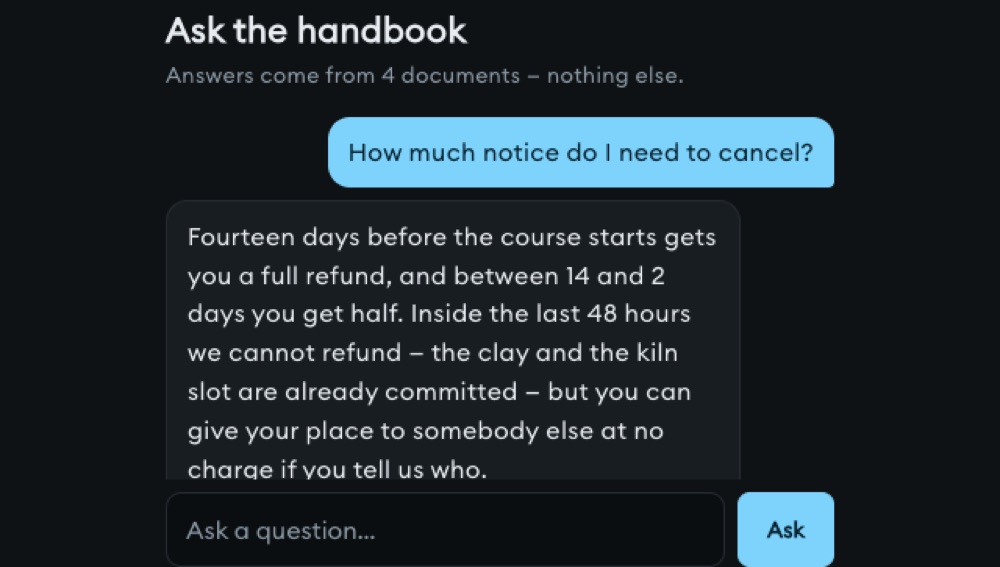
Chatbot from your handbook
Answers from your policies, not the internet
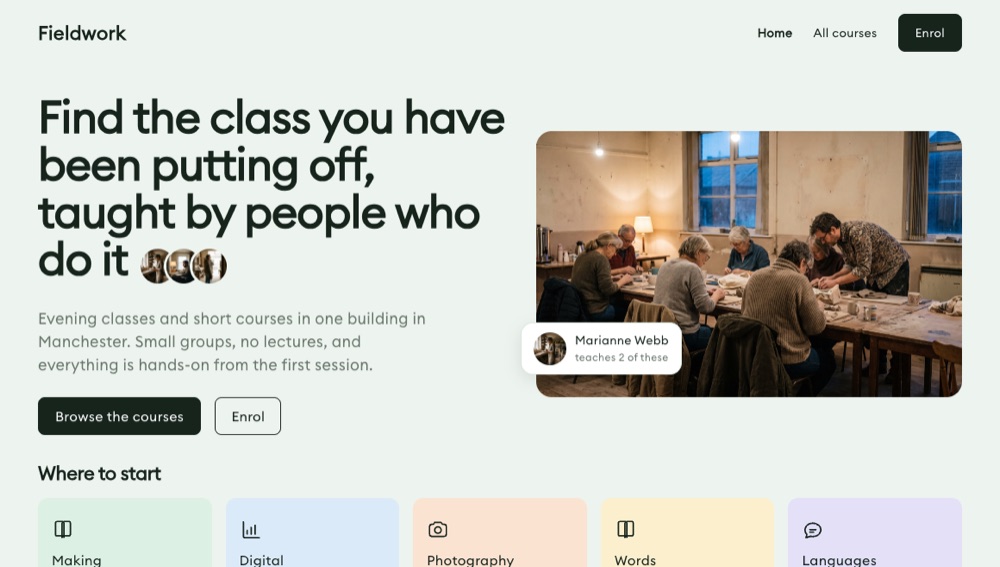
Training catalogue
Everything you run, on one page somebody can scan
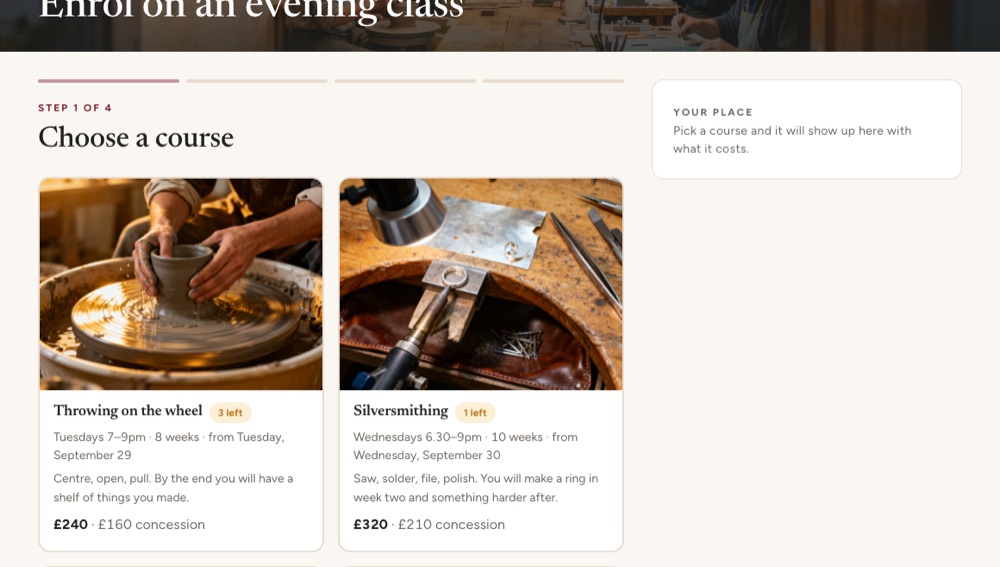
Course enrolment
Shows what you are choosing, and knows when it is full
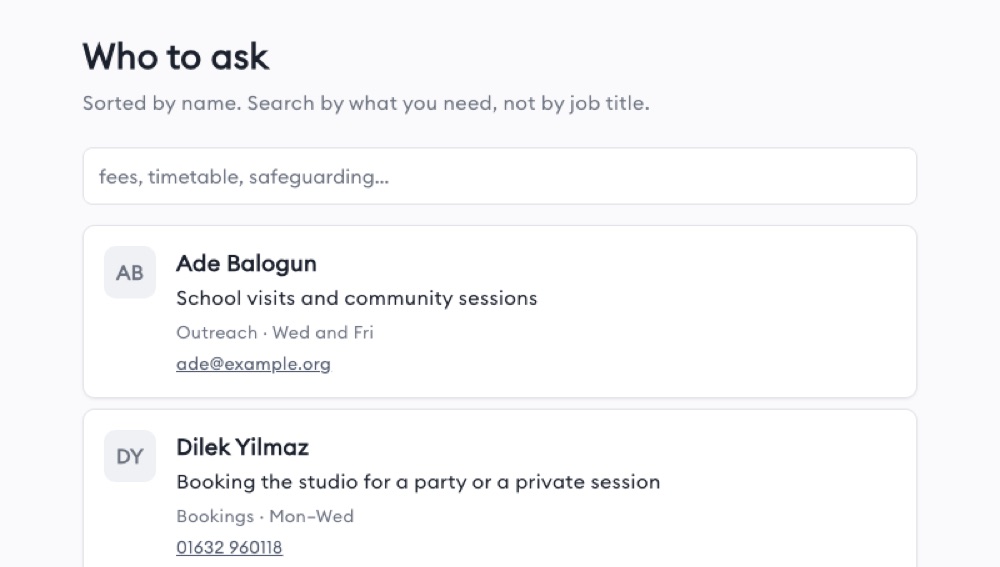
Staff directory
Who to ask about what, with their hours
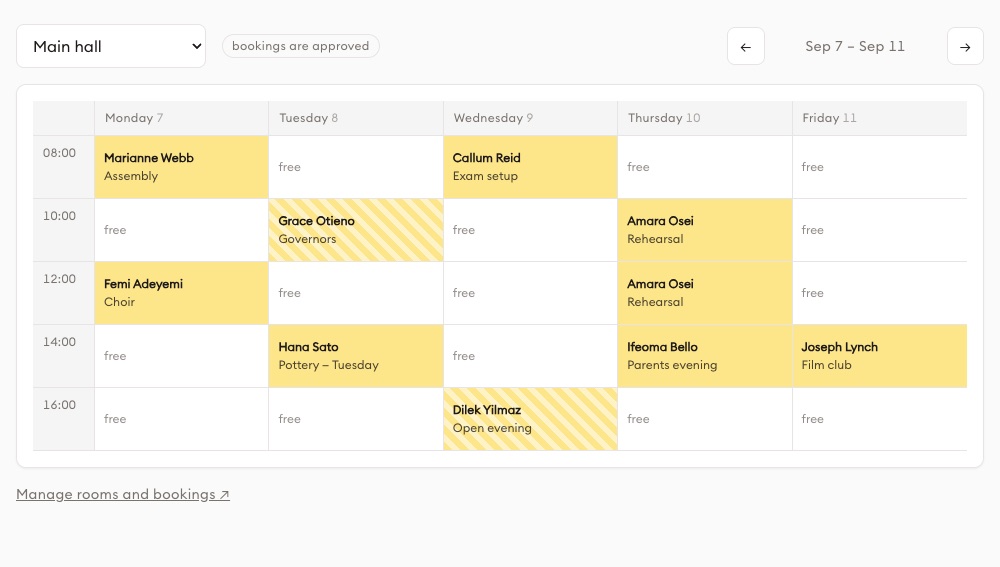
Room & resource booking
Who has the boardroom on Thursday, settled
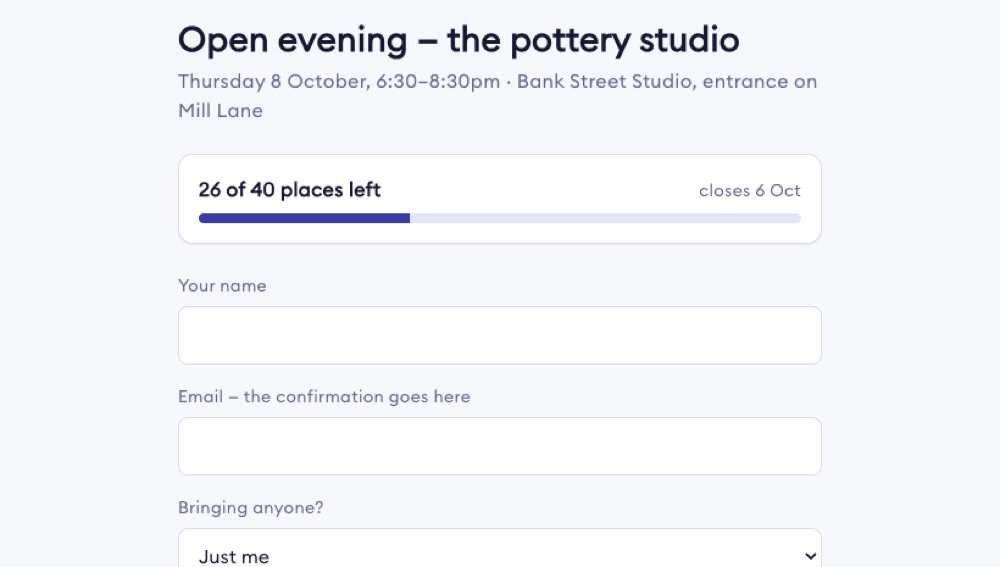
Event registration
Caps the numbers and closes itself when full
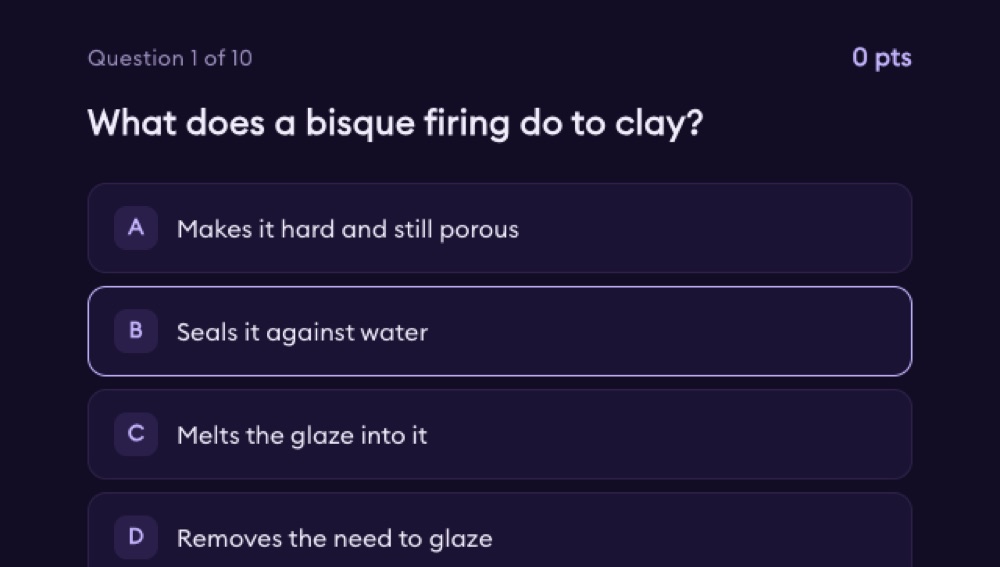
Quick quiz with a leaderboard
Ten questions, scored live, with a board at the front
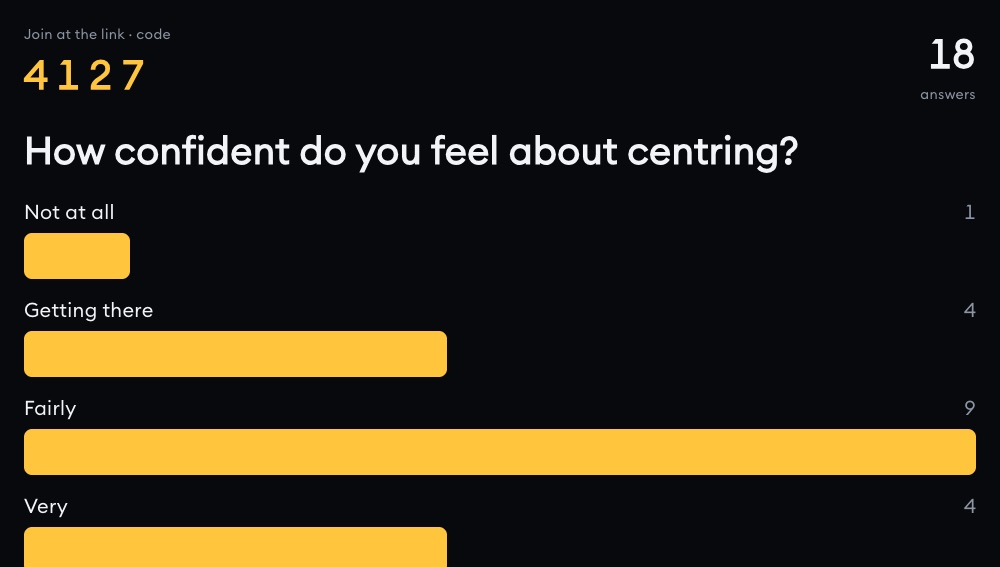
Live poll
Everyone answers from their phone, results move as they do
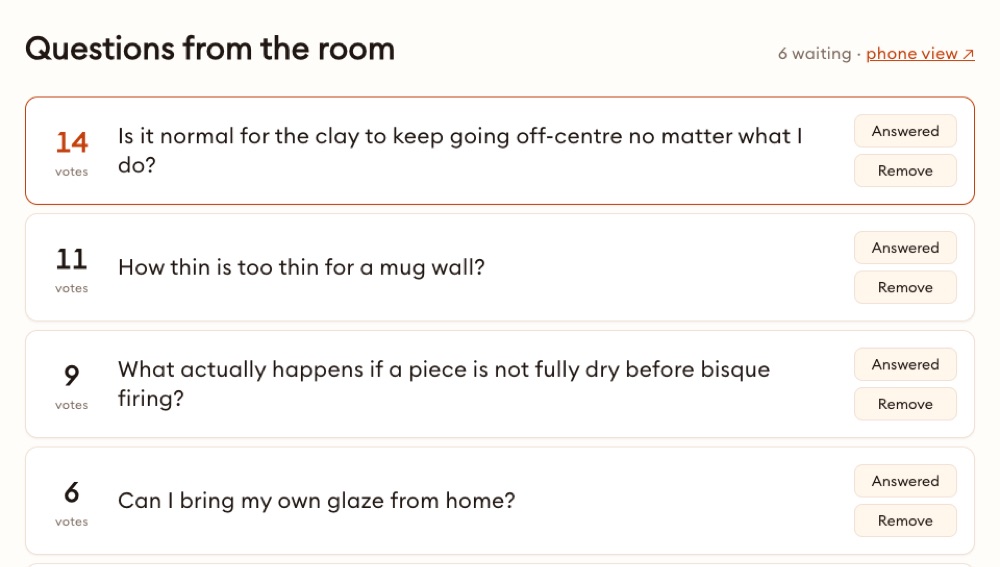
Q&A board
Questions come in, the room votes the good ones up
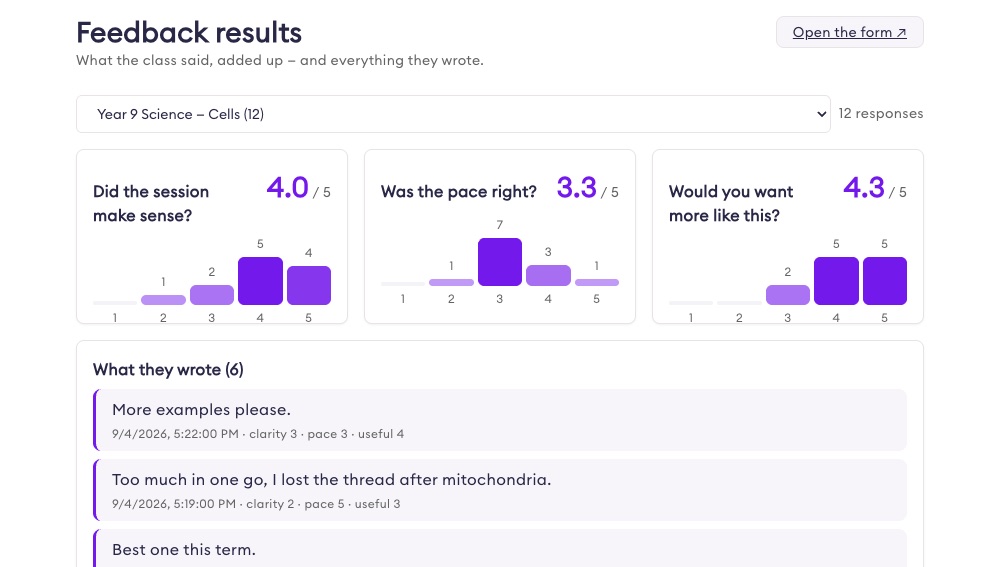
After-session feedback
Five taps, and the results add themselves up
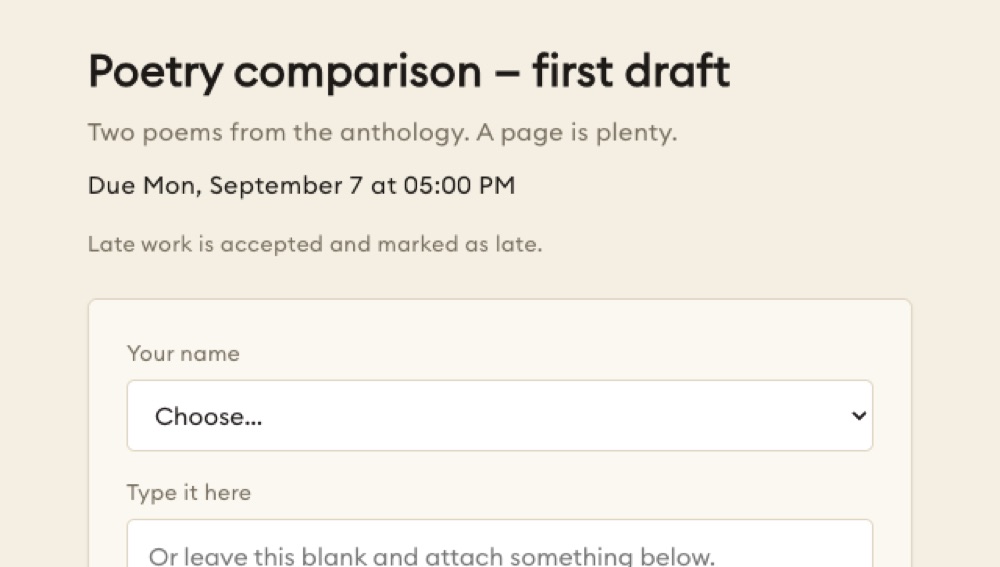
Assignment drop box
Work comes in with a name and a time on it

Attendance tracker
A quarter of registers, without the shared spreadsheet
Two budgets, not one: what staff use, and what trainers make.
Staff don't make the modules — trainers and L&D do, and staff use what they build. A trainer's allowance is five times a learner's: add trainers and more of the same budget goes into making; add staff and it goes into using.
The administrator decides what staff can reach. Most companies give staff the modules and applications their trainers build, and keep Chat, Work with AI and Solution Designer for the training team.
Illustrative, from the published credit table. Everything inside the organisation runs on the organisation's credits — personal accounts are a separate world and are not counted here. Applications from the shelf are installed once, not metered per learner.
Control that was built for organisations, not bolted on.
Roles you name
"Trainers", "Sales", "Plant floor" — there is no built-in list. The default role only ever adds permissions, never removes them.
A budget that can't go negative
Each seat gets its own deposit; the company sets a ceiling on the shared pool. If both fall short, nothing is charged and the refusal says whose limit it was.
Join by company email
Anyone on an approved domain lands in the right space on the right plan. Or import the roster from CSV — it never half-imports.
Spend by activity
See what went on video, on images, on quizzes, on apps — not just who spent it. Alerts email you before a project runs hot.
You decide what staff can reach
Each capability is switched on per role. Most companies give staff the modules, and keep the making tools for the training team.
Bring the training you already own
Existing SCORM and Articulate packages play inside a module with tracking intact, and a finished video goes back out as a SCORM 1.2 package your LMS can score. xAPI statements go to your LRS.
Where you are decides who plans it with you.
In Singapore you work with us directly. In other regions we sell through a partner who sets the local price and looks after you — and we introduce you.
Singapore
Amdon, directly. We size the plan, prepare the applications, and stay on the account.
Malaysia, the Philippines, Indonesia, Thailand and beyond
A regional partner. They set pricing for their market and support you locally; the platform, the applications and the controls are the same.
Somewhere else
Tell us where. If there's a partner, we connect you the same day. If there isn't yet, you talk to us.
Three things, and we'll come back with a plan.
Tell us where you are, how many people learn, and what you can spend, and we — or your regional partner — will propose the modules, the applications and the credit plan, in writing, with the numbers.