

Your teachers make things.
Your school stays in control.
Every teacher starts free and starts making. The school's organisation is its own space — with a shared budget, roles it names itself, the applications it needs, and a view of where every credit went. We plan it with you, or the partner for your region does.
Used in Singapore schools and training teams
























Every tool is a separate switch.
You decide who gets which.
Not one licence that turns everything on for everybody. Chat, Work with AI, Whiteboard Studio, Solution Designer, Flow Designer, Assignments, Bases — each is its own service, switched on per role. Pick a group and try it.
What this group can open
What they see when they sign in
Your organisation library
The library is a portal you curate
Apps your team builds go into catalogues, and each catalogue is shown to the groups you choose. A Year 10 Computing class opens the platform and finds tools your own staff built for them — and nothing else. That targeting is the part no general-purpose AI tool has.
Three ways a tool reaches someone
On by default for everyone in the organisation. Off until the person opts in, so a rail stays short until they want more. Off unless an administrator grants it — which is where Solution Designer, Bases and the rest sit until you say otherwise.
The number depends on what your students will use.
So we show you the method instead.
A school doesn't buy seats and hope. You tell us the budget and the headcount; we prepare the applications and size the credits. Everything that follows is visible in your admin console.
Tell us the budget and the headcount
How many students, how many teachers, what you can spend this term. That's the whole first conversation.
We prepare the applications
From a shelf that keeps growing — enrolment, consent, attendance, a school site, a whole learning platform. Installed into your organisation, branded as yours.
We set the credits per student and per teacher
The organisation's plan decides what each seat gets and how much of the shared pool anyone may draw. Separate from anyone's personal account. Every deduction visible, by person and by activity.
Built once. Installed into your school. Branded as yours.
Every one of these is a finished application from the library, made with Solution Designer. The shelf is not a fixed catalogue — we build for the schools we work with, and what we build goes on the shelf.
APEX Academy
A complete learning platform: four apps, one sign-in, 30 AI capabilities
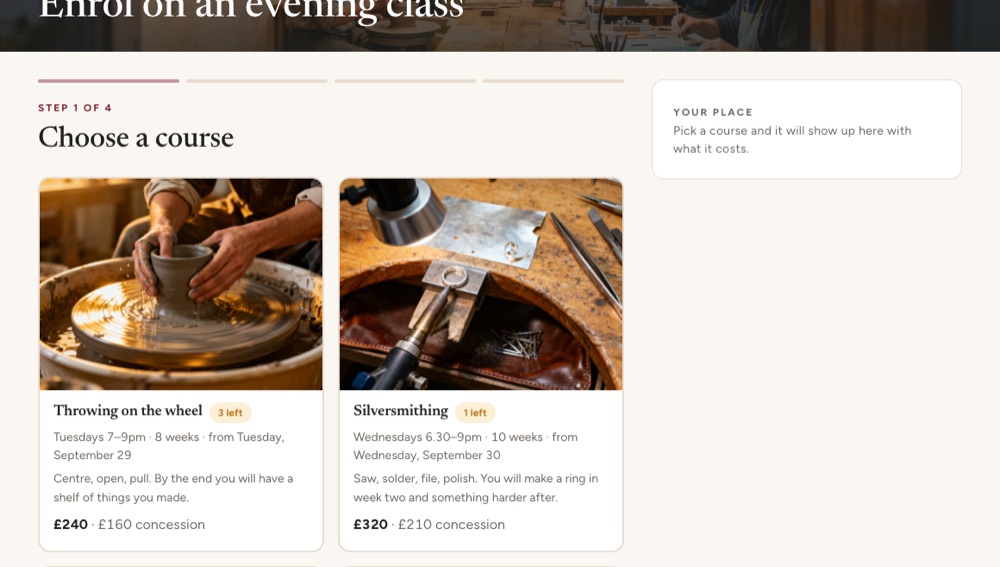
Student enrolment form
Shows what you are choosing, and knows when it is full
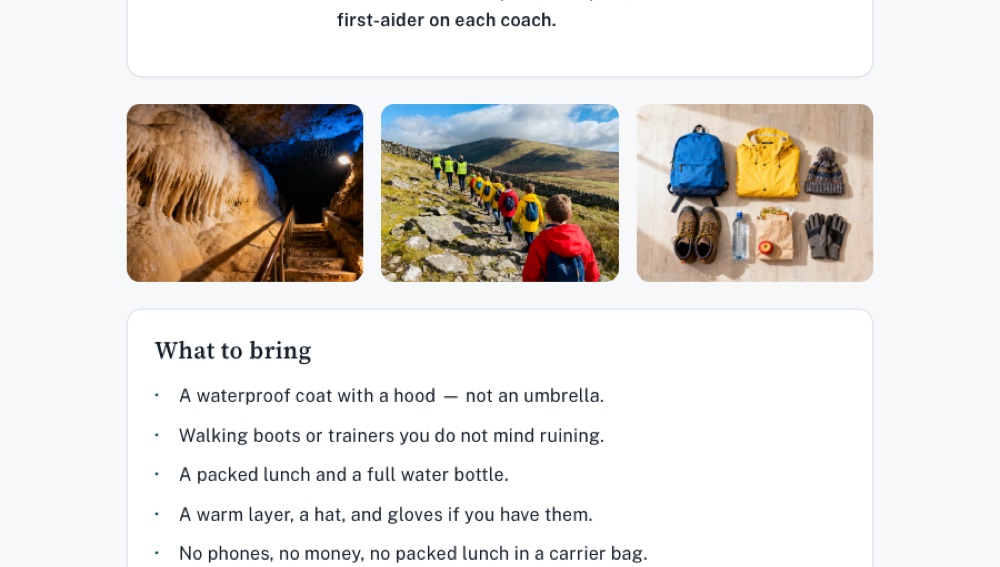
Trip consent slip
Signed on a phone, and it knows who has not replied

Attendance tracker
A term of registers, without the shared spreadsheet
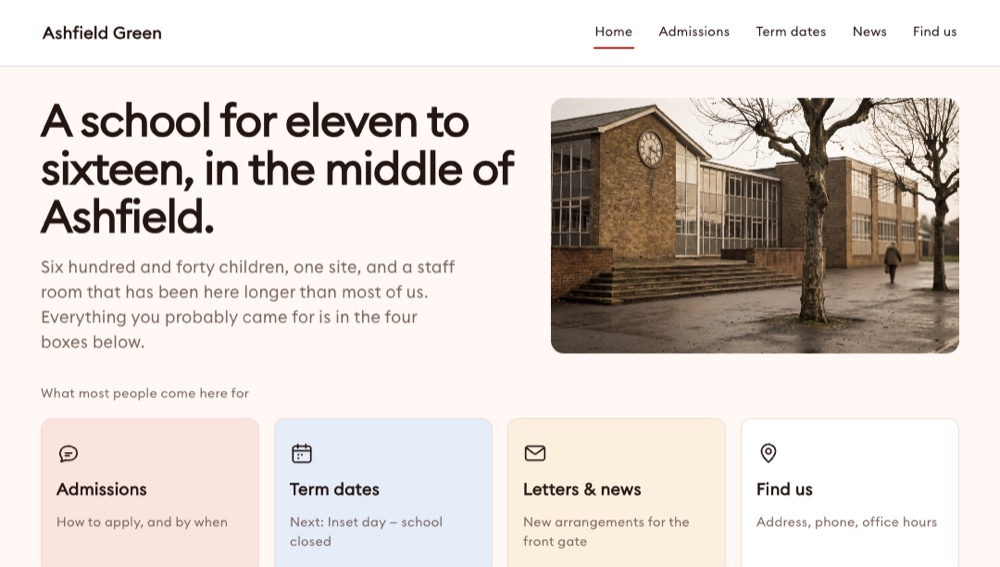
A school website
The five things parents actually come for, on a phone
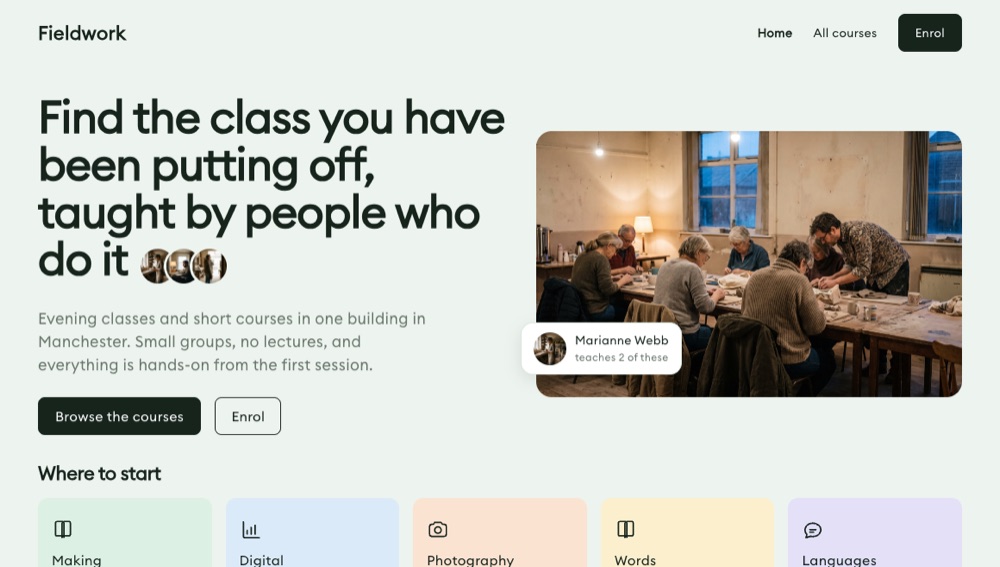
Course catalogue
Everything you run, on one page somebody can scan
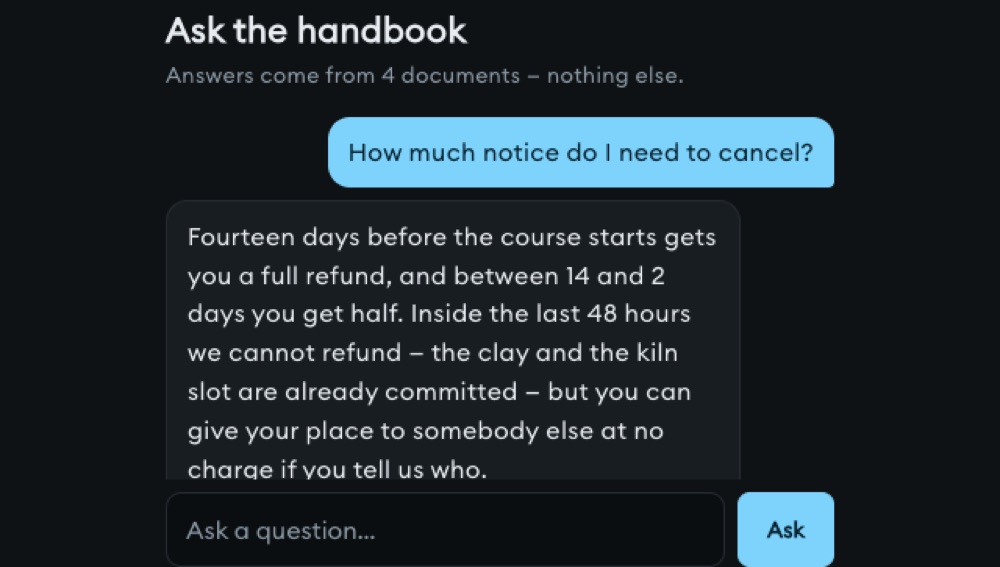
Chatbot from your handbook
Answers from your own documents, not the internet
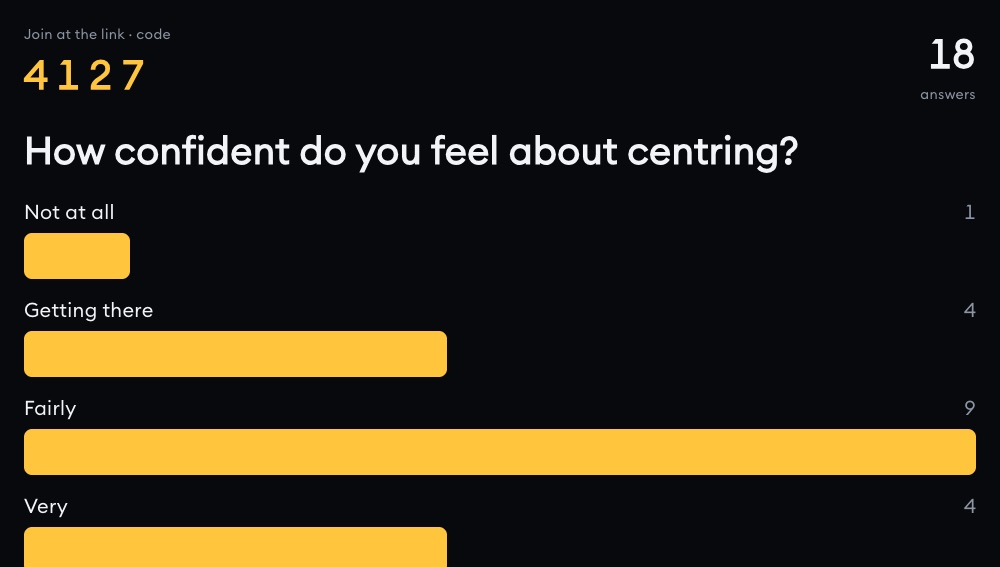
Live poll
Everyone answers from their phone, results move as they do
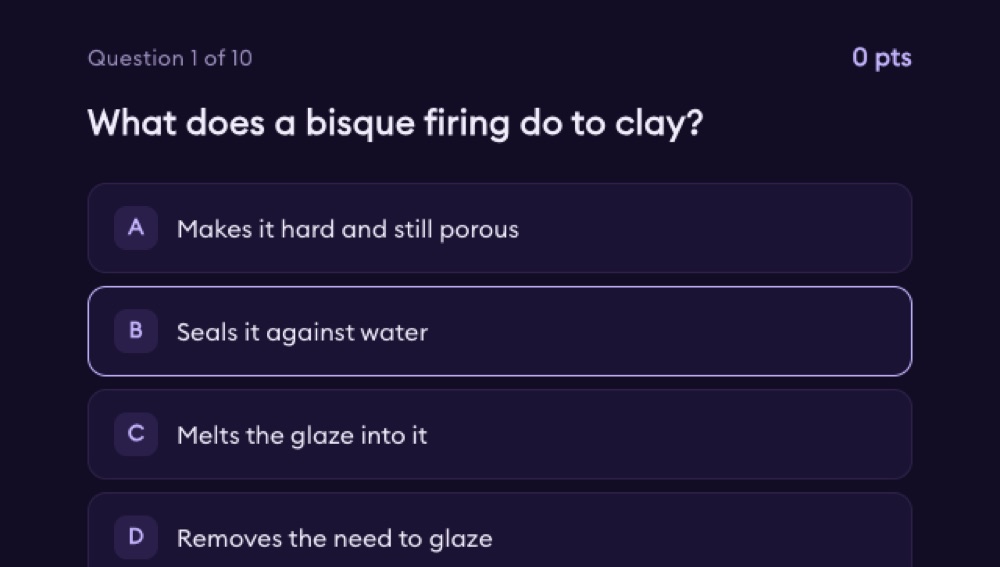
Quick quiz with a leaderboard
Ten questions, scored live, with a board at the front
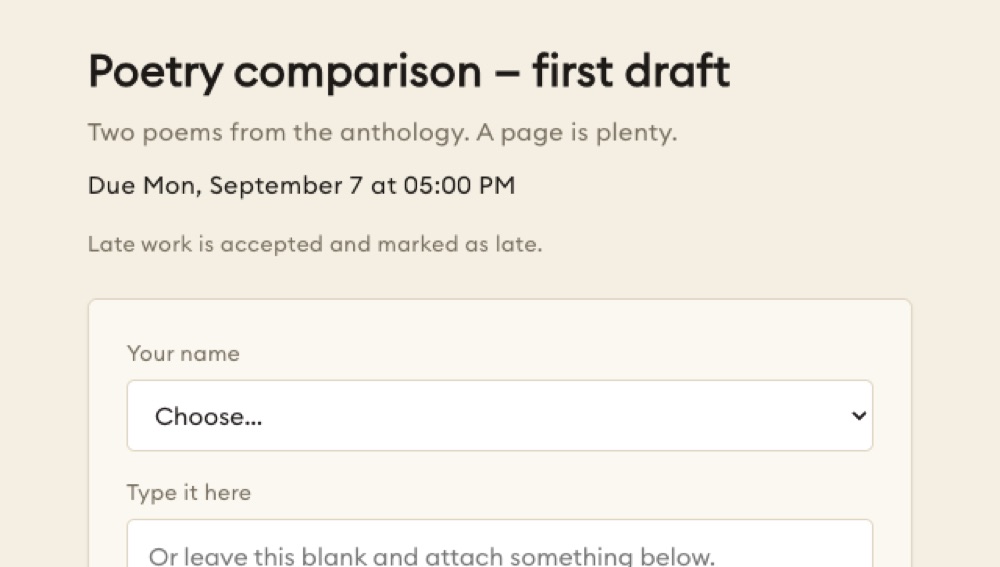
Homework submission box
Work comes in with a name and a time on it
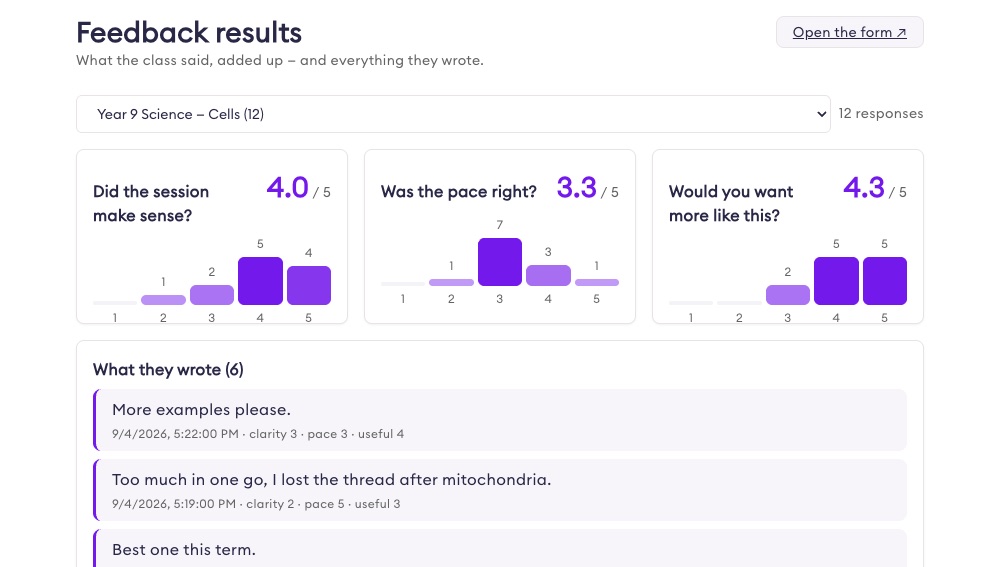
After-class feedback
Five taps, and the results add themselves up
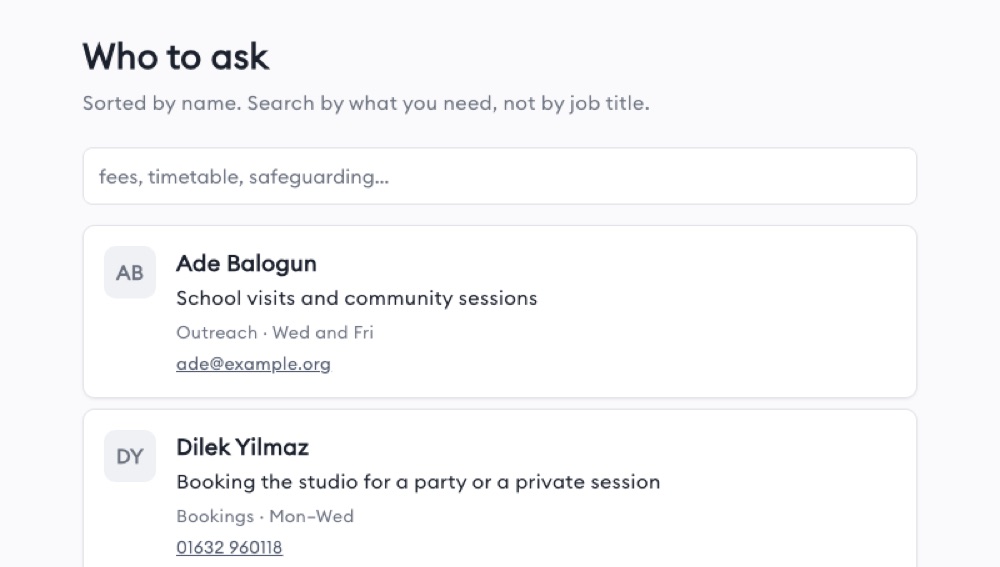
Staff directory
Who to ask about what, with their hours
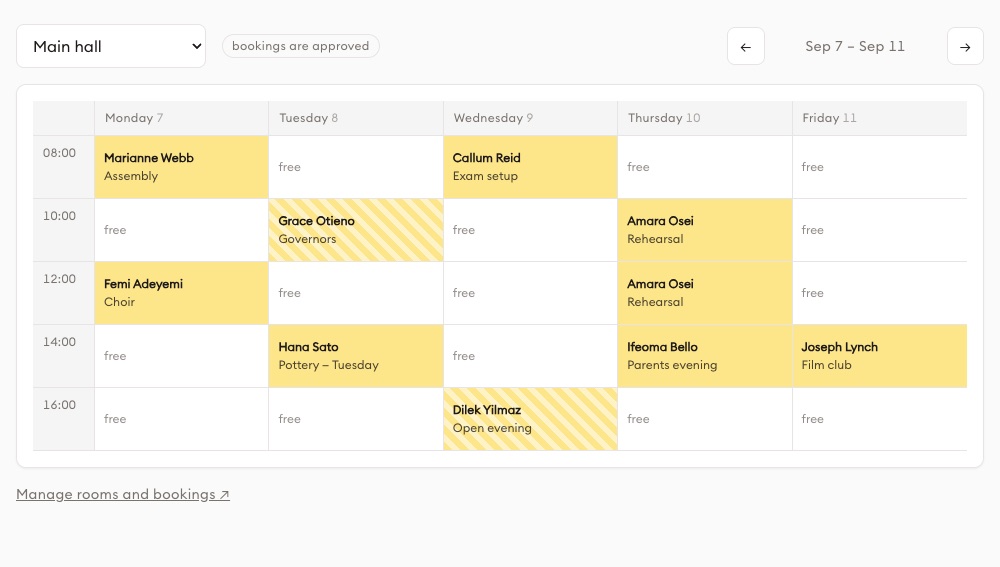
Room & resource booking
Who has the hall on Thursday, settled
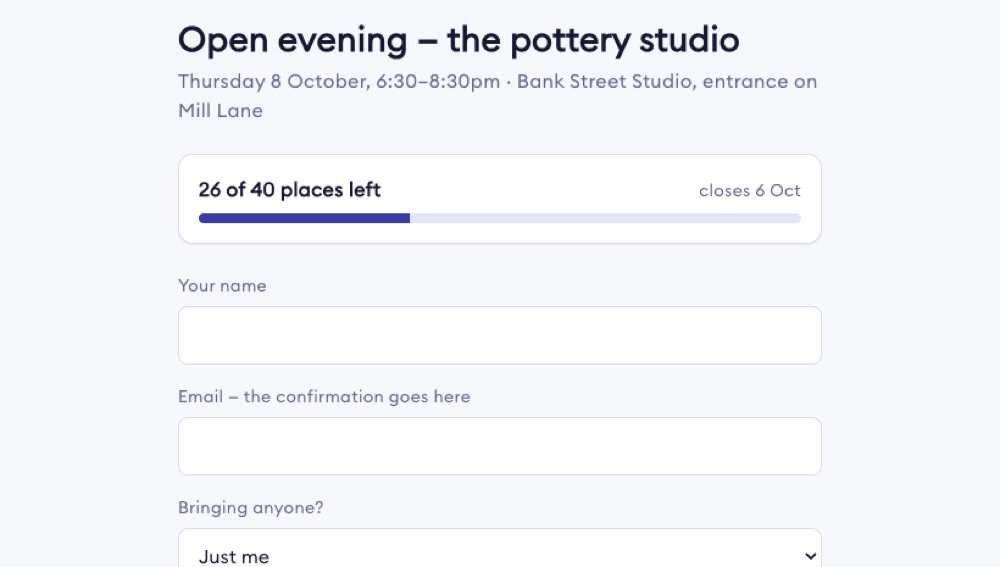
Event registration
Caps the numbers and closes itself when full
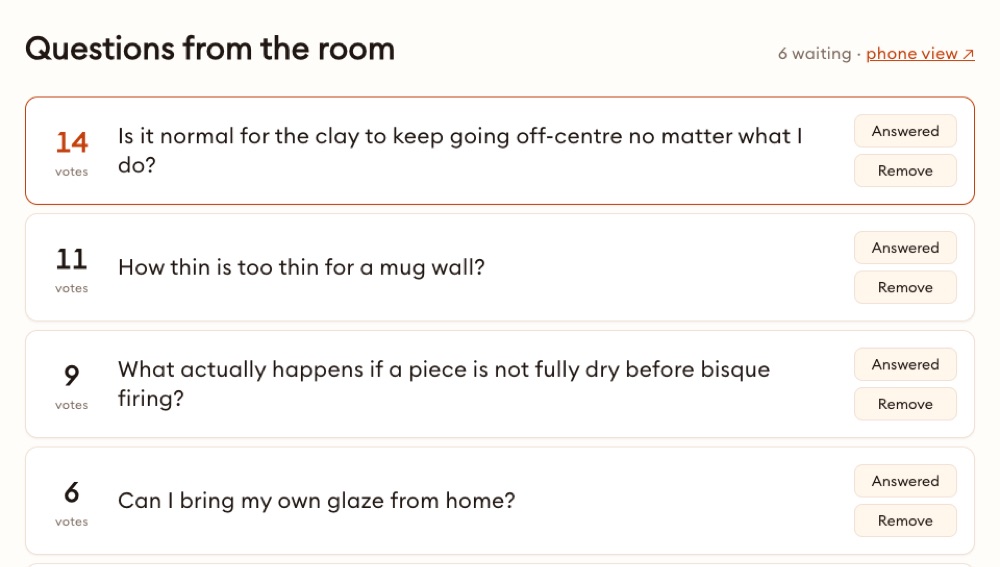
Q&A board
Questions come in, the room votes the good ones up
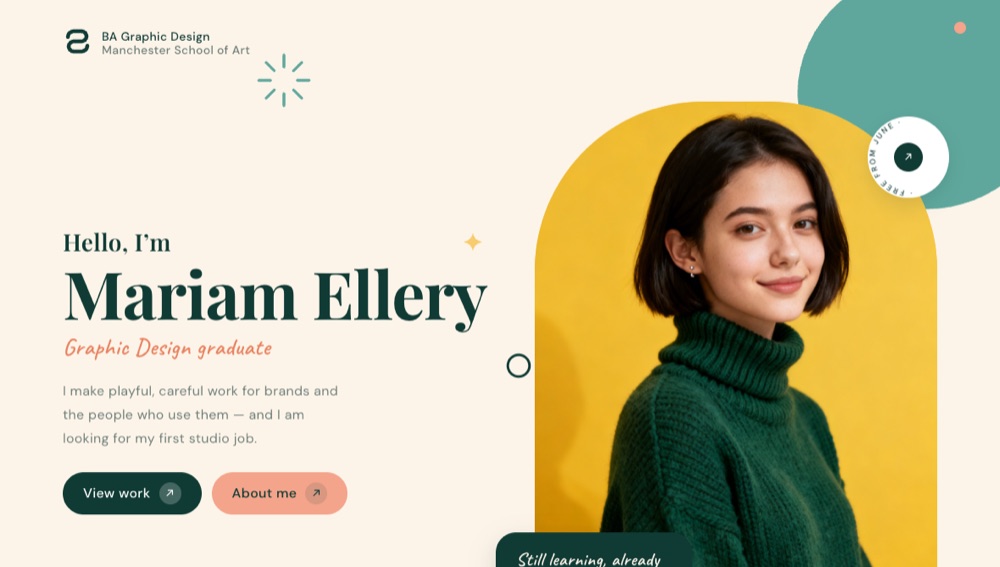
Graduate portfolio page
One page that gets a student their first job
36 in the public gallery today, and every school we work with adds to it. Something you need that isn't here is the first thing we build with you. See the teacher tools →
Two budgets, not one: what students use, and what teachers make.
Students don't make decks and videos — teachers and administrators do, and students use what they build. Every operation has a published rate in credits, so a budget turns into two plain numbers.
The rule: a teacher's allowance is five times a student's. Add teachers and more of the same budget goes into making lessons; add students and it goes into using them.
The administrator decides what students can reach. Most schools give students the lessons and applications their teachers build, and keep Chat, Work with AI and Solution Designer for staff.
Illustrative, from the published credit table. Everything inside the organisation runs on the organisation's credits — personal accounts are a separate world and are not counted here. Applications from the shelf are installed once, not metered per student. The real plan is sized with you, or with your regional partner.
Control that was built for institutions, not bolted on.
Roles you name
"Teaching staff", "HODs", "Finance" — there is no built-in list. The default role only ever adds permissions, never removes them.
A budget that can't go negative
Each seat gets its own deposit; the school sets a ceiling on the shared pool. If both fall short, nothing is charged and the refusal says whose limit it was.
Five ways in
Admin-created accounts for pupils with no email. Invite by email. CSV import that never half-imports. A join code with a mandatory expiry. Approved school domains that land people on the right plan.
Spend by activity
See what went on video, on images, on quizzes, on apps — not just who spent it. Alerts email you before a project runs hot.
You decide what students can reach
Each capability — Chat, Work with AI, Solution Designer, Bases — is switched on per role. Teachers submit tools; the school approves them into a library organised by catalogue and audience.
Fits what you already run
A launch link for your LMS: the learner arrives from Moodle or Canvas and the account is made for them. xAPI reporting to your LRS. Existing SCORM and Articulate packages play inside lessons with tracking intact, and a finished video goes back out as a SCORM 1.2 package.
Personal stays personal. The organisation is its own space.
A teacher's free personal account is theirs — with everything they built in it — and it stays that way. Your organisation is a separate space with its own plan, its own credits and its own controls. A teacher can be in both, and in more than one organisation. That's usually how it starts: a few teachers on their own, then the school.
Where you are decides who plans it with you.
In Singapore you work with us directly. In other regions we sell through a partner who knows the local schools, sets the local price, and looks after you — and we introduce you.
Singapore
Amdon, directly. We size the plan, prepare the applications, and stay on the account.
Malaysia, the Philippines, Indonesia, Thailand and beyond
A regional partner. They set pricing for their market and support you locally; the platform, the applications and the controls are the same.
Somewhere else
Tell us where. If there's a partner, we connect you the same day. If there isn't yet, you talk to us.
Three things, and we'll come back with a plan.
No demo theatre. Tell us where you are, the size of the school and what you can spend, and we — or your regional partner — will propose the applications and the credit plan, in writing, with the numbers.